Add MightDrop to
your home screen.
Never miss a price drop.
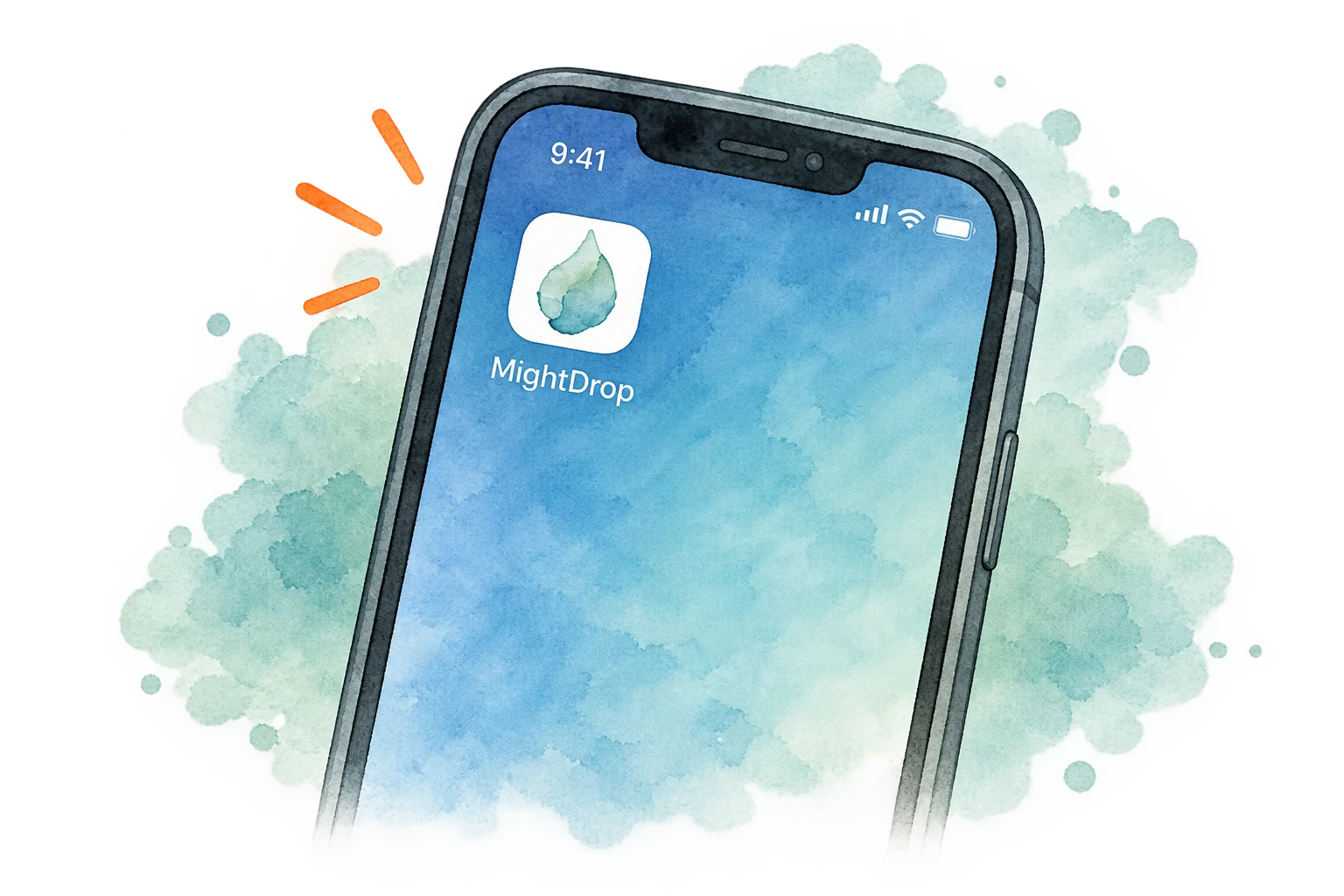
The MightDrop app runs in your phone's browser, no download required. Open this page on your phone, add it to your home screen, and you'll get a notification when a price drops.
Get the Free AppNo app store. No credit card. Takes less than a minute.


-

Instant notifications
Get push notifications the moment your price drops.
-

One-tap access
Open MightDrop right from your home screen.
-

No app store needed
Works in your browser on iPhone and Android.
-

Free and secure
No credit card required. Your data stays private.


How to add MightDrop to your home screen
Grab your phone and follow the steps for it. It only takes a few seconds.
On iPhone (Safari)
iOS 16.4 or later
-
1
Tap the Share button On iOS 26, tap the button first.
-
2
Scroll down and tap “Add to Home Screen”
-
3
Tap Add in the top right corner
-
4
That’s it! MightDrop will appear on your home screen.
On Android (Chrome)
Android 10 or later
-
1
Tap the menu button
-
2
Tap “Add to Home screen”
-
3
Confirm by tapping Install or Add
-
4
Find the MightDrop icon on your home screen.
Need help? Email us and a real person will walk you through it
-
Safe & secure
No personal information required.
-
Real-time alerts
Be the first to know when prices drop.
-
Works on all devices
iPhone, Android, tablet, or desktop.
Why no native app?
Because there's nothing an app could do here that the website can't. Push notifications, an icon on your home screen, opening it with one tap: the website already does all of that.
I could build one anyway, since an app store listing is a little more convenient to find. But asking you to download something that does the exact same thing as a link feels morally skewed to me, and I can't justify it.